
Zen Browser
Zen Browser is a free, open-source web browser based on Mozilla Firefox, with a calm interface built around organising tabs.
Windows
Open source

Safari is Apple's web browser. Version 5.1.7 is an old Windows build; current Safari releases are made for Mac, iPhone and iPad.
Average 0.0 · ratings: 0
Thank you! Your rating is saved; you can change it. Could not save the rating. Please try again later. Too many ratings from your network today. Please try again tomorrow. The average appears after 5 ratings.
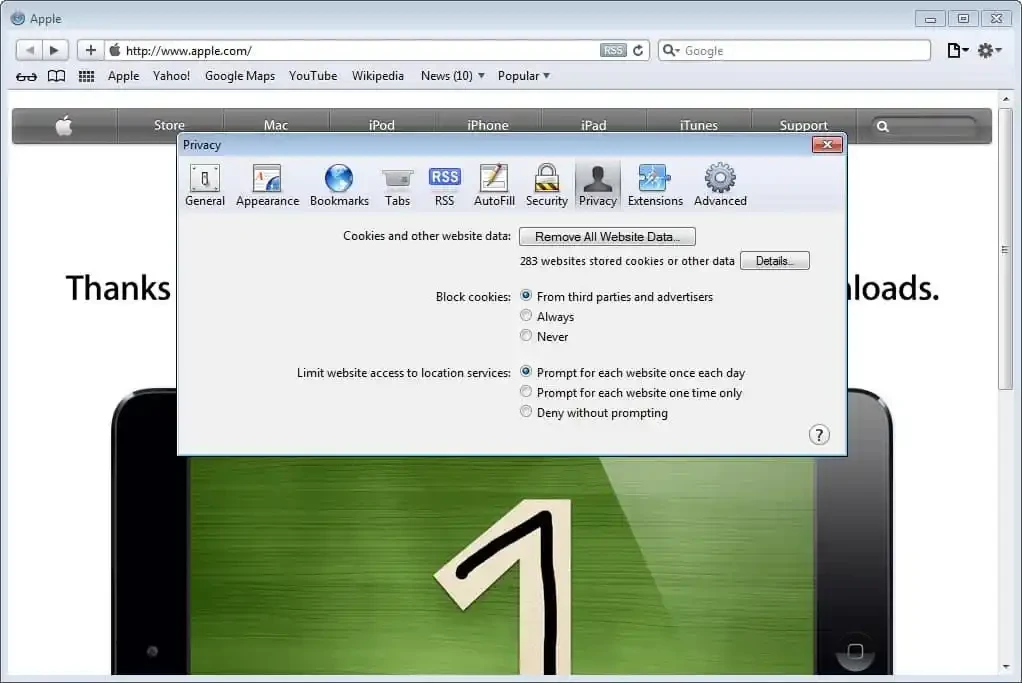
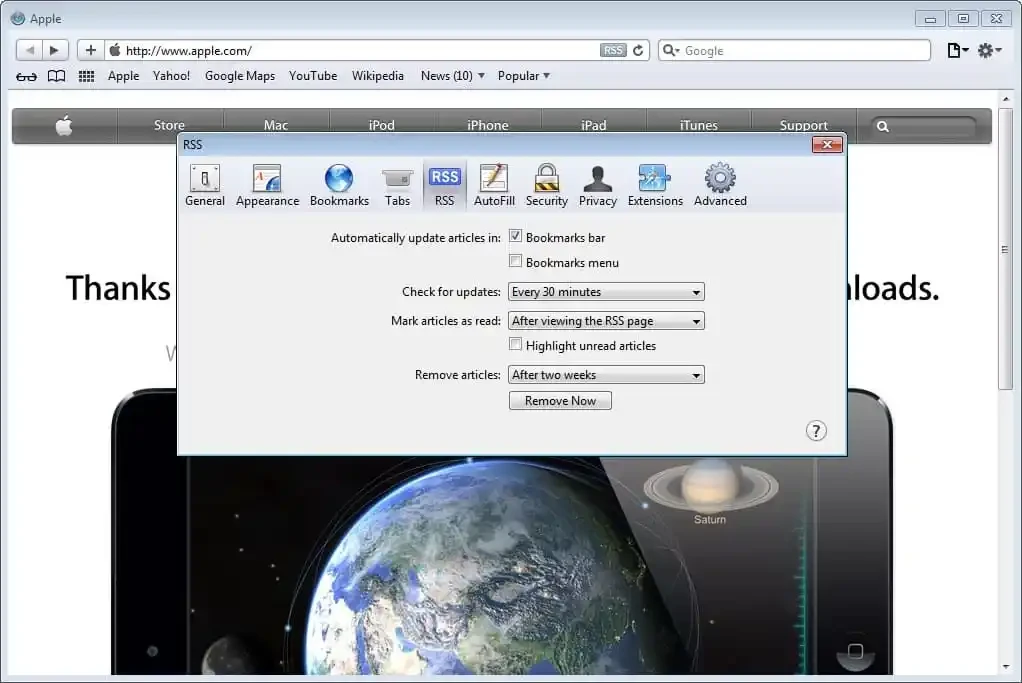
Safari 5.1.7 for Windows is an old Windows build of Apple's web browser, and before you download it you should know what it can and cannot do today. Current Safari releases are made only for Apple's own systems. Below are straight answers.
Safari is the web browser developed by Apple Inc. Its first release came on 7 January 2003, and it has been the default browser on the Mac ever since, later also on the iPhone and iPad. For a period Apple also offered it for Microsoft Windows, but the Windows edition was discontinued on July 25, 2012, and 5.1.7 is where it stopped: Apple has released no Windows updates since then. On an Apple device, Safari is tightly woven into the system: bookmarks, passwords and open tabs sync through the Apple account, and the browser is tuned for battery life on laptops and phones. On Windows, however, you only get this historical version, which has none of the modern features and does not share tabs or passwords with current Apple devices. That makes it interesting mainly for web developers who test old sites, for people curious about the look of the classic Safari, or for legacy software that expects it.
Not for everyday browsing. A browser that no longer receives updates from its developer misses years of security fixes, and many modern websites will display incorrectly or refuse to load. If you install it for testing, avoid logging in to accounts and do not use it for banking or shopping.
Apple's official Safari page, apple.com/safari, now describes the Mac, iPhone and iPad versions only. The Windows file size is about 36.71 MB according to catalogue data. Be careful with third-party download sites that bundle old installers with adware; if you need the build for testing, scan the file with your antivirus before running it.
No current requirements are published for the Windows build. It is a small program from the era of Windows 7 and earlier, and on modern Windows it may run with compatibility issues.
Yes. Safari has always been free; on Apple devices it comes preinstalled.
For daily browsing on Windows, choose a supported browser from the same category: Google Chrome, Firefox, Microsoft Edge or Opera. If you want Safari itself, you need a Mac, iPhone or iPad.
Zen Browser is a free, open-source web browser based on Mozilla Firefox, with a calm interface built around organising tabs.

Brave is a free, open-source, privacy-focused web browser built on Chromium, with ad and tracker blocking turned on by default.

LibreWolf is a free, open-source web browser based on Mozilla Firefox, maintained by the LibreWolf Community with privacy-focused defaults.

Mozilla Firefox is a free and open-source web browser developed by Mozilla, available for Windows, macOS, Linux, Android and iOS.

Opera is a free web browser for Windows from Opera Software. The stable release is 136.0.6008.22, published on 17 September 2026.

UC Browser for Windows is the desktop version of the web browser from UCWeb, a Chinese mobile internet company.

Google Translate is Google's multilingual machine translation service, used on Windows through the website and a browser extension.

Microsoft Edge is Microsoft's web browser, preinstalled on current Windows versions and available as a free download for reinstalling or updating.

Vivaldi is a free, highly customisable web browser from Vivaldi Technologies, based on Chromium and with a built-in email client. This page covers version 8.2 (4133.76).
Mozilla Firefox is a free and open-source web browser developed by Mozilla, available for Windows, macOS, Linux, Android and iOS.

Google Chrome is the free web browser from Google. The stable Windows release is 154.0.8037.58, out since 22 September 2026.

Cent Browser is a free Chromium-based browser for Windows from Cent Studio that adds mouse gestures, tab tweaks and other power-user options.